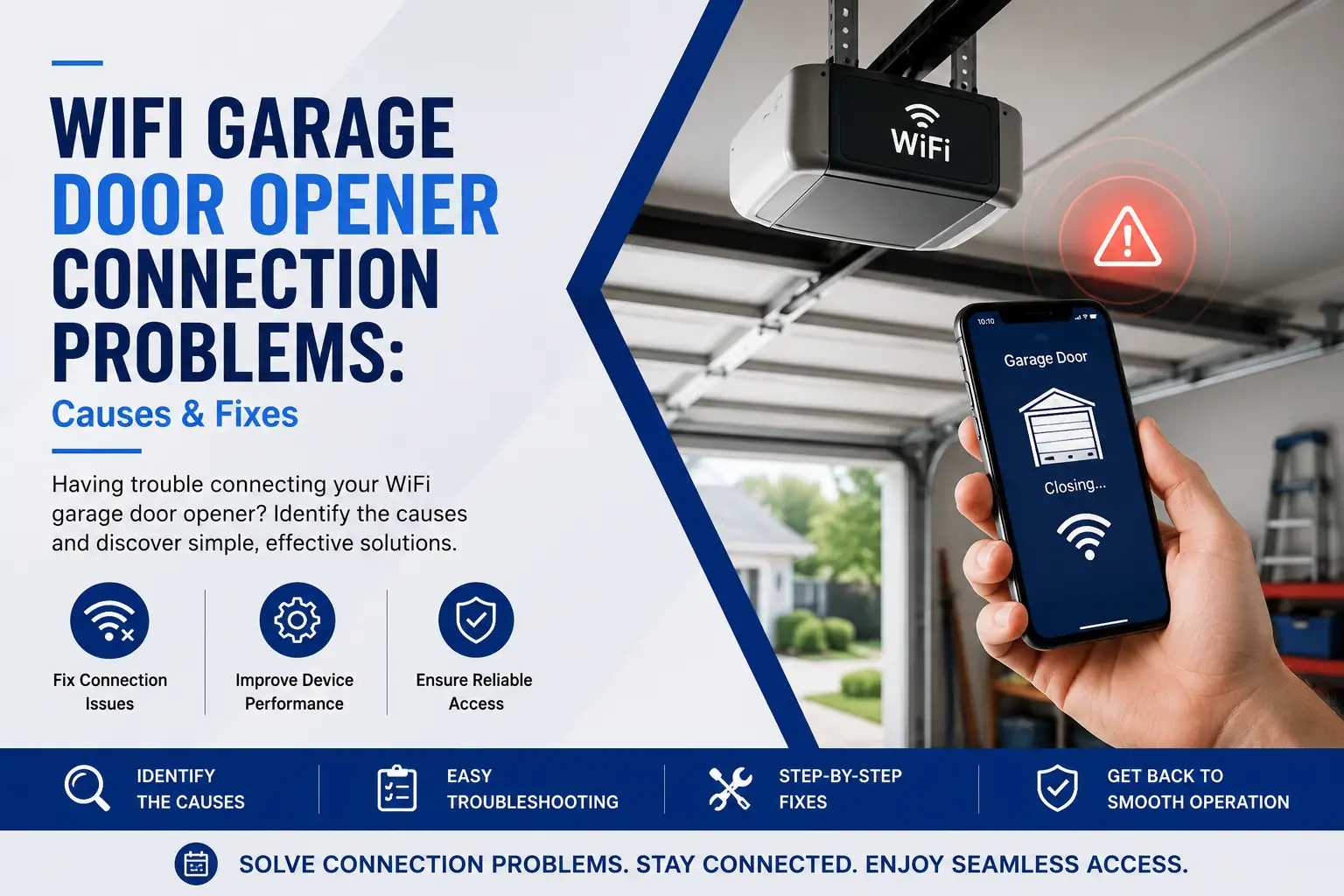

Few things are more frustrating than dealing with WiFi garage door opener connection problems when you need quick and secure access to your home. Modern smart garage door openers provide convenience, security, and peace of mind, but when the connection fails, you may be unable to monitor, open and close, or control your garage door remotely. In some cases, what appears to be a simple Wi Fi issue may actually indicate a deeper garage door system problem that requires professional attention.
If your garage door is stuck, malfunctioning, or creating a security concern, immediate assistance may be necessary. DFW homeowners can learn more about emergency repair services when urgent garage door issues occur.
What Causes WiFi Garage Door Opener Connection Problems?
- Weak Wi Fi signal reaching the garage
- Router configuration issues
- Outdated firmware
- Incorrect username and password entries
- Interference from nearby devices
- MyQ app configuration errors
- Network security restrictions
- Power interruptions
- Damaged opener electronics
- Smart device compatibility problems
Most smart garage door openers rely on a stable internet connection to communicate with mobile devices and cloud-based applications. When any part of that communication chain fails, connectivity problems occur.
10 Common Causes and Proven Fixes
1. Weak WiFi Signal in the Garage
Garages are often located at the edge of a home’s wireless coverage area. Thick walls, metal doors, insulation materials, and distance from the router can weaken signals.
Fix: Move the router closer to the garage, install a WiFi extender, or upgrade your wireless network.
2. Incorrect Network Credentials
Many homeowners accidentally enter the wrong username and password during setup. Even one incorrect character can prevent connection.
Fix: Verify all login credentials and reconnect the opener from scratch.
3. Router Security Settings
Advanced security settings may block smart devices from joining the network.
Fix: Review router settings and ensure smart home devices are permitted.
4. MyQ App Configuration Errors
The MyQ app occasionally experiences syncing issues that prevent communication between your phone and opener.
Fix: Remove the device, reinstall the app, and complete setup again.
5. Outdated Firmware
Firmware updates often contain bug fixes and compatibility improvements.
Fix: Update both the opener firmware and mobile application.
6. Interference from Other Devices
Baby monitors, wireless cameras, smart appliances, and neighboring networks can disrupt signals.
Fix: Change router channels and reduce interference sources.
7. Router Replacement or ISP Changes
After replacing internet equipment, many users forget that smart devices must be reconnected.
Fix: Reconfigure the opener whenever changing network equipment.
8. Learn Button Programming Problems
The learn button allows pairing between devices and the opener system. Improper programming can interrupt communication.
Fix: Follow manufacturer instructions carefully when resetting devices.
9. Damaged Control Board
Electrical surges and aging components can damage opener electronics.
Fix: Professional diagnostic testing is usually required.
10. Physical Garage Door Issues
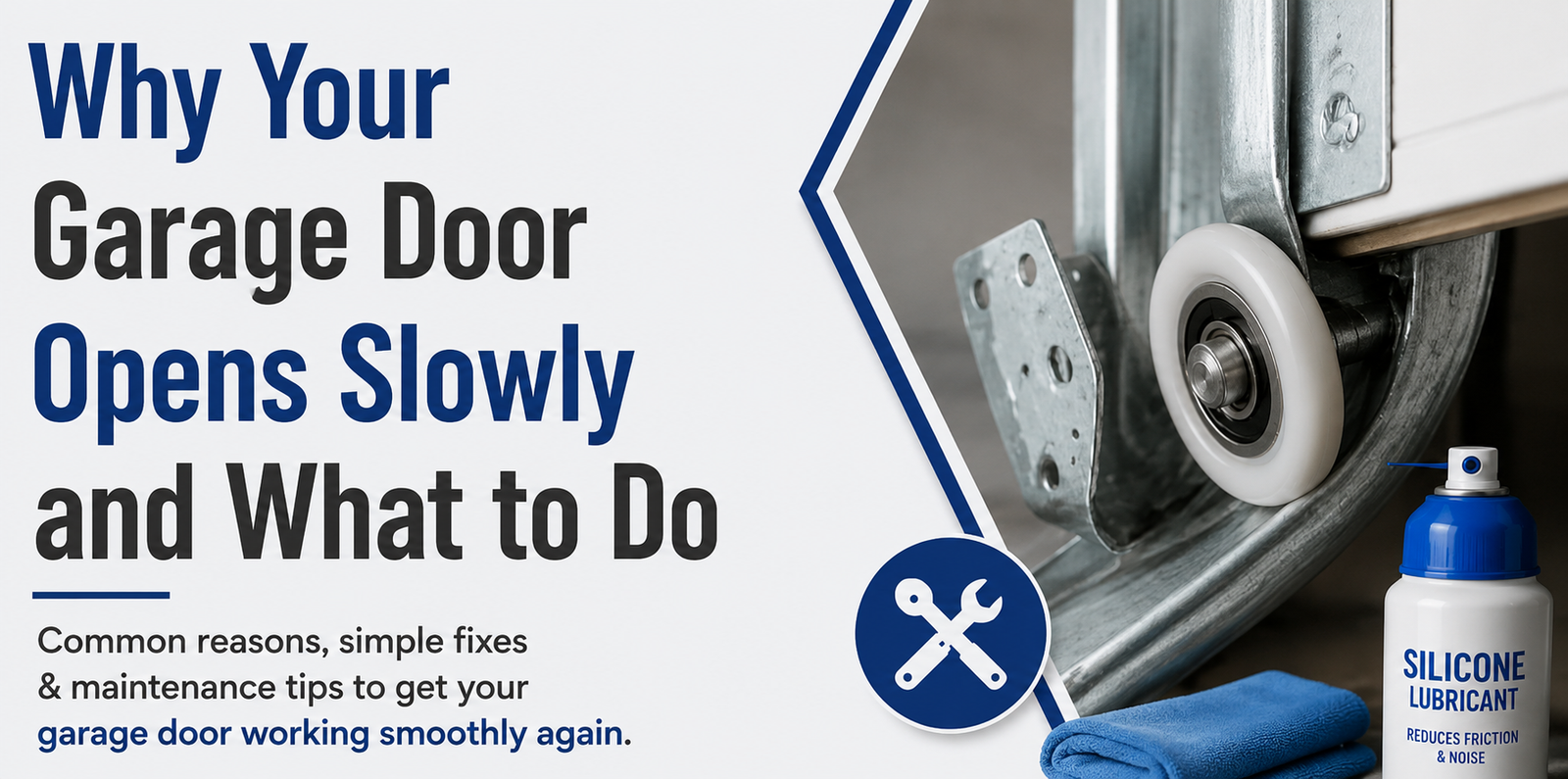
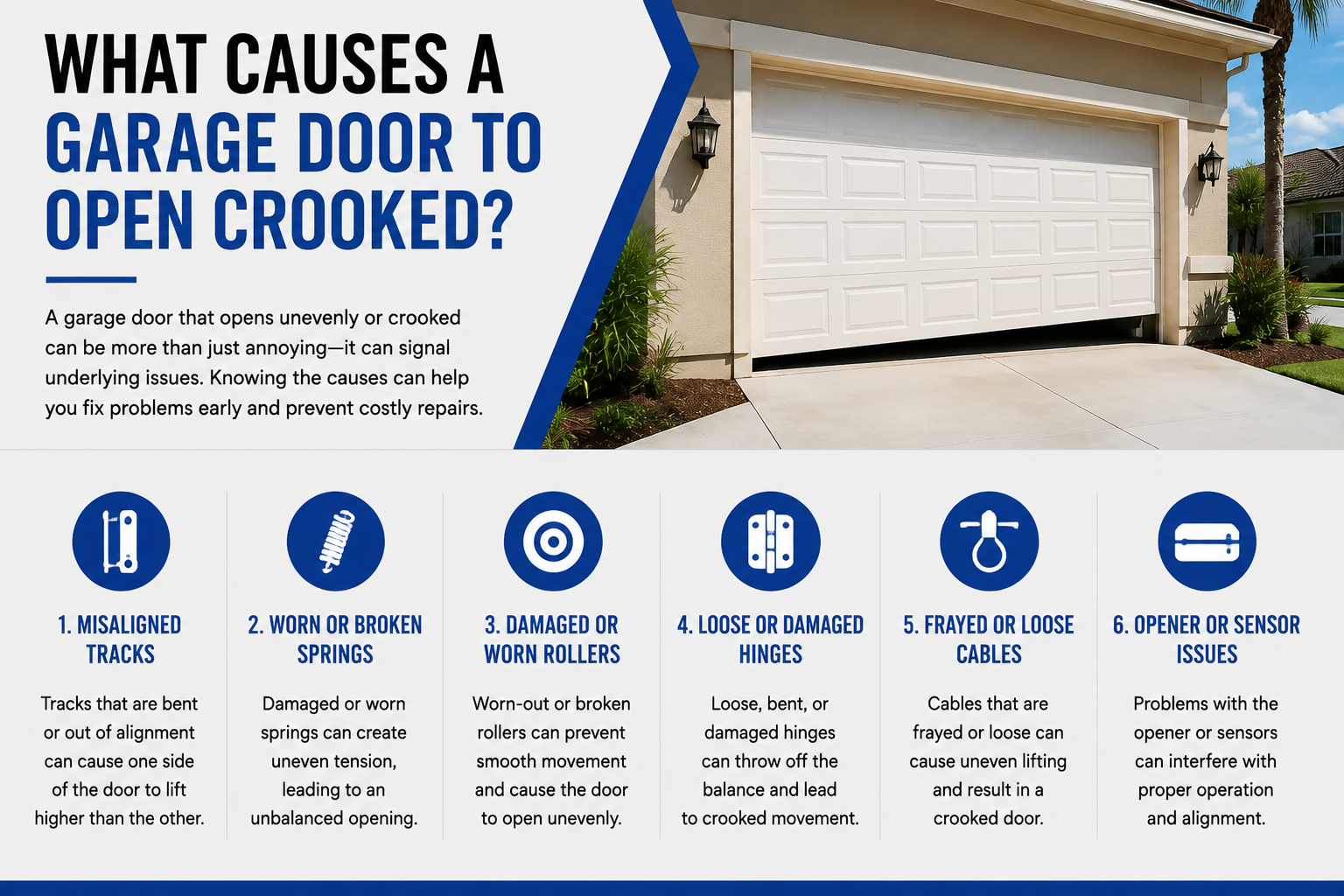
Sometimes connectivity is only part of the problem. If mechanical components fail, your smart opener may appear offline because the system cannot operate properly.
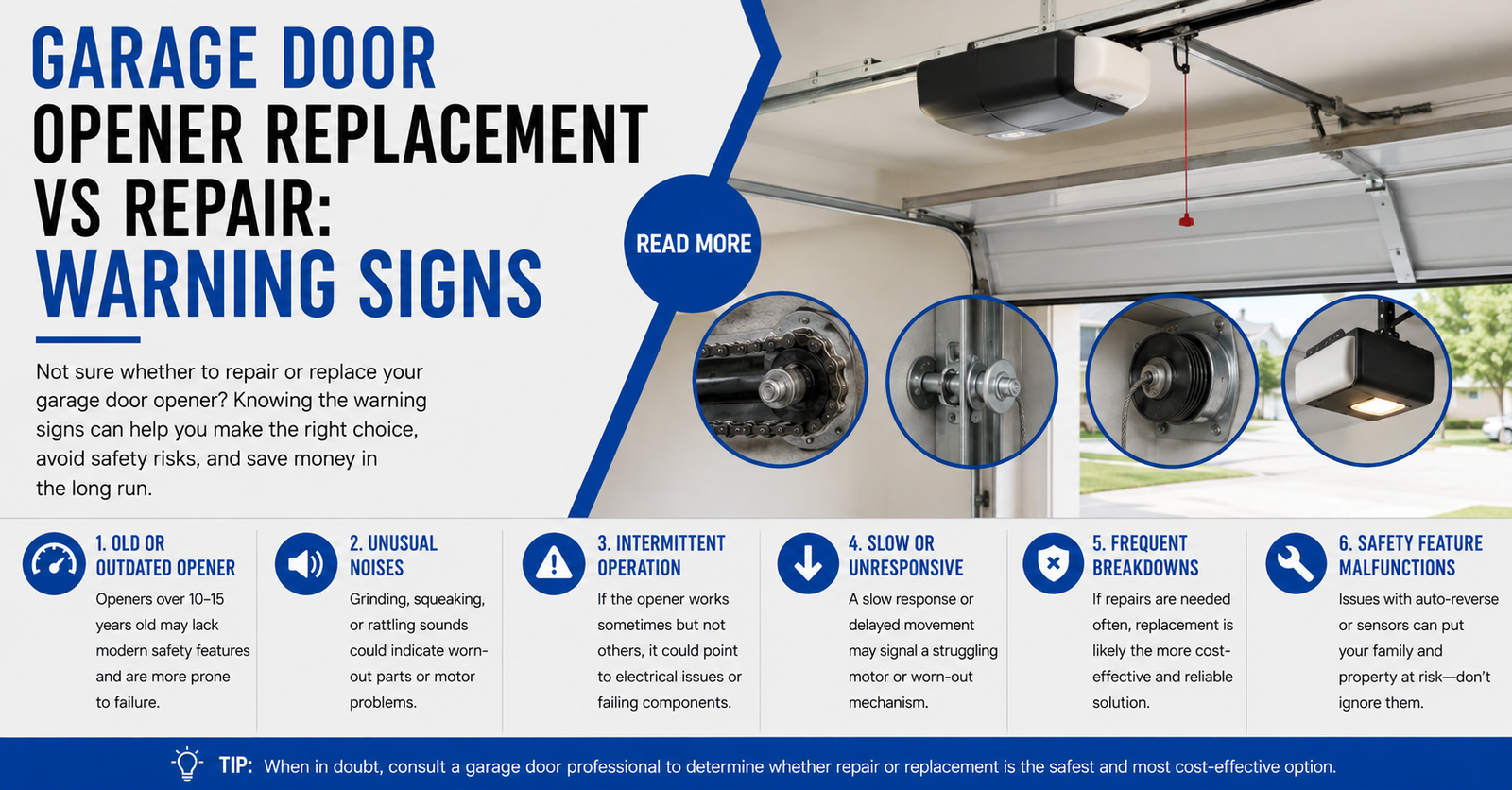
If the motor runs but movement does not occur, review this guide on opener issues.
DIY Methods Homeowners Commonly Try
- Restarting the router
- Resetting the opener
- Reinstalling the MyQ app
- Updating firmware
- Moving the router
- Adding signal extenders
- Reprogramming the garage door remote
- Reconnecting smart home integrations
- Checking the learn button
- Testing internet connection speed
These steps often solve minor software-related issues and are worth attempting before scheduling service.
Why DIY Fixes Often Fail
While many online tutorials make repairs appear simple, WiFi garage systems involve multiple technologies working together. A homeowner may fix one issue while overlooking another.
- Signal strength appears adequate but fluctuates
- Damaged control boards are misdiagnosed as software problems
- Improper rewiring causes additional failures
- Hidden mechanical defects remain unresolved
- Network troubleshooting becomes increasingly complex
Professional technicians use specialized diagnostic equipment to identify root causes quickly and accurately.
Homeowners who repeatedly reset devices often waste hours troubleshooting only to discover that a failing opener motor, damaged sensors, or worn components were the real issue.
Risks Associated With Improper DIY Repairs
Although chemical products are generally not required for WiFi troubleshooting, homeowners sometimes use electronic cleaning sprays or lubricants around opener components. Improper application can damage sensitive electronics.
The EPA Safer Choice Program recommends using products appropriately and according to manufacturer directions to avoid unnecessary risks.
Additionally, electrical systems should never be serviced without proper safety precautions.
How Connectivity Problems Can Affect Garage Security
Smart garage systems provide valuable security benefits. When connectivity fails, homeowners may lose remote monitoring capabilities.
If you lose your garage access controls or experience a lost garage door remote situation, security risks increase significantly.
- Unable to monitor door status remotely
- Cannot receive alerts
- Delayed emergency access
- Increased vulnerability after losing your garage door controls
- Difficulty locating a designated spot for backup access devices
Many homeowners purchase universal remotes or a replacement remote after a lost remote situation. However, proper programming remains critical for security.
Signs Professional Service Is Needed
- MyQ garage opener not working after multiple resets
- Device controls unavailable errors continue appearing
- Show available networks not working during setup
- Frequent disconnections
- Burning smells or electrical issues
- Garage door remote failures alongside WiFi issues
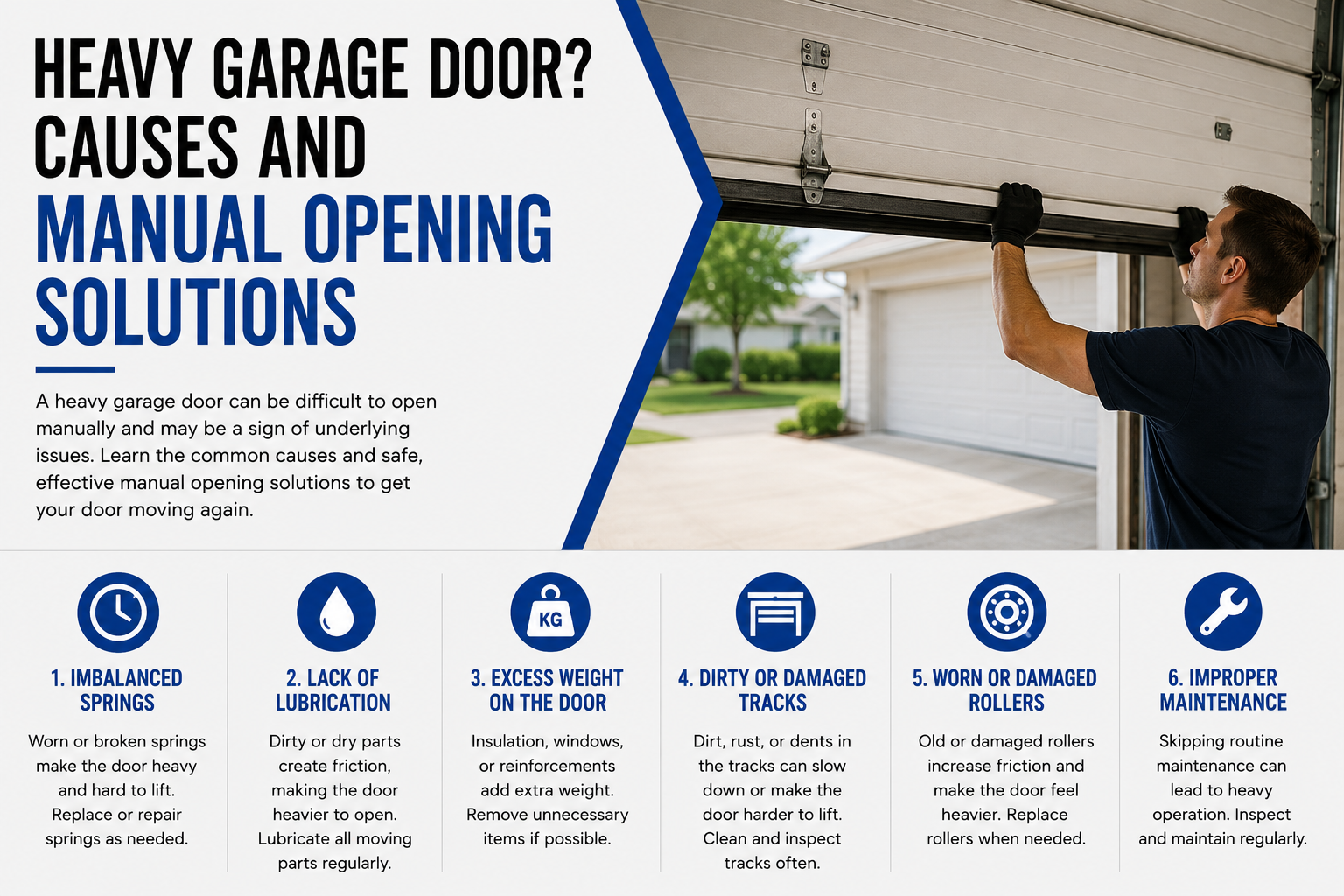
- Need to pull the emergency release frequently
- Physical garage door performance problems
If your door requires manual operation often, learn more about safely resetting systems after emergency release through this guide on emergency release reset.
Professional Research Supports Preventive Maintenance
Researchers at the University of Minnesota Extension Home emphasize the importance of regular home system maintenance to improve reliability and reduce unexpected failures.
Similarly, the National Fire Protection Association notes that electrical equipment should be inspected when unusual performance or malfunction occurs.
Routine inspections help identify problems before they become expensive repairs.
Why Homeowners Choose DFW Affordable Garage Door
DFW Affordable Garage Door has helped homeowners throughout North Texas solve garage door and opener issues efficiently and safely.
- Experienced technicians
- Comprehensive diagnostics
- Smart opener expertise
- Emergency response availability
- Transparent recommendations
- Local service throughout DFW communities
For additional troubleshooting information, homeowners may also find value in this resource about remote problems and this guide covering closing issues.
Frequently Asked Questions
MyQ garage door opener won’t connect to WiFi. What should I do?
Start by verifying your network credentials, confirming signal strength, and updating firmware. If the MyQ app still cannot establish communication, reset the opener and repeat setup. Persistent failures may indicate hardware issues requiring professional diagnosis.
What should I know about connecting a WiFi router to a garage opener?
Your router must provide a stable internet connection and adequate signal strength. Positioning the router closer to the garage or using a range extender often improves connectivity. Ensure network security settings allow smart devices to connect properly.
How do I change password for WiFi Spectrum service after installing a smart opener?
After updating your Spectrum WiFi password, all connected smart devices must be reconfigured. Access your router settings, create the new password, then reconnect your garage opener using the updated network credentials.
Can I connect two routers to improve garage door WiFi performance?
Yes. Some homeowners connect two routers or use mesh systems to improve wireless coverage. Proper configuration is essential because incorrect settings can create conflicts that prevent smart garage devices from connecting reliably.
What should I do if I have a missing garage door opener?
If a door opener or opener remote is missing, immediately erase programmed devices from the system. Install a replacement remote or compatible universal remotes and update security settings to protect access to your garage.
Why is “show available networks” not working during setup?
This issue usually occurs because of weak signal strength, firmware problems, router compatibility issues, or software glitches. Restart the opener and router, then attempt setup again. Continued failures may require professional assistance.
Why are device controls unavailable in my smart garage app?
Device controls unavailable messages typically indicate communication failures between the opener, cloud service, and mobile application. Verify internet connectivity, update software, and ensure the opener remains connected to the correct network.
How do I connect MyQ garage door opener successfully?
Press the learn button, open the MyQ app, select your device, and follow setup instructions carefully. Confirm the opener connects to a 2.4 GHz network if required and verify that all credentials are entered correctly.
Conclusion
WiFi garage door opener connection problems often start as minor inconveniences but can quickly become security, accessibility, and safety concerns. While basic troubleshooting can solve simple network issues, recurring connection failures frequently indicate underlying electrical, mechanical, or opener-related problems that DIY methods cannot fully address.
DFW Affordable Garage Door helps homeowners diagnose smart opener issues, garage door failures, remote access problems, and complete system malfunctions. If your garage door with WiFi features continues experiencing connectivity issues, or if you’re dealing with a lost garage door controller, malfunctioning garage door remote, or unreliable internet connection, schedule a professional inspection to restore safe and dependable operation.